02 Flagship Discovery
02 Flagship Discovery
02 Flagship Discovery
About this case study
About this case study
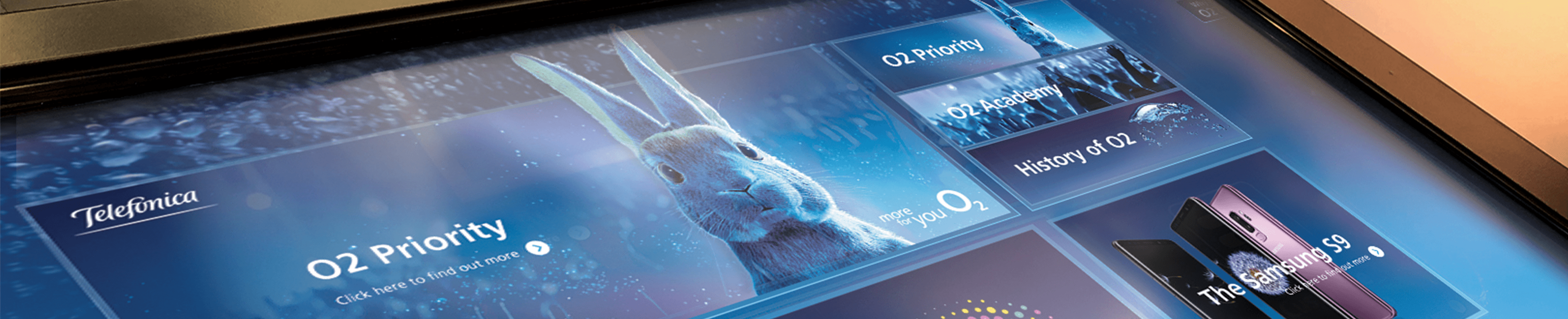
The O2 flagship touchscreen is designed for instant engagement, featuring an interface so intuitive that visitors can walk up and immediately start exploring. By presenting complex information through clean, visual layouts, the installation eliminates all friction.
The O2 flagship touchscreen is designed for instant engagement, featuring an interface so intuitive that visitors can walk up and immediately start exploring. By presenting complex information through clean, visual layouts, the installation eliminates all friction.
The O2 flagship touchscreen is designed for instant engagement, featuring an interface so intuitive that visitors can walk up and immediately start exploring. By presenting complex information through clean, visual layouts, the installation eliminates all friction.
Project Challenge
Project Challenge
My goal was to turn browsing into an easy, self-guided experience for O2 customers. I simplified complex product info into a clear layout that stayed true to the O2 brand. By testing prototypes with real users, I made sure the interface was easy for anyone to pick up and use immediately.
My goal was to turn browsing into an easy, self-guided experience for O2 customers. I simplified complex product info into a clear layout that stayed true to the O2 brand. By testing prototypes with real users, I made sure the interface was easy for anyone to pick up and use immediately.
My goal was to turn browsing into an easy, self-guided experience for O2 customers. I simplified complex product info into a clear layout that stayed true to the O2 brand. By testing prototypes with real users, I made sure the interface was easy for anyone to pick up and use immediately.
Services
Services
User Experience
User Interface Design
Component Library
User Flow
Low/High-Fidelity Prototyping
Interaction Design
Art Direction
User Experience
User Interface Design
Component Library
User Flow
Low/High-Fidelity Prototyping
Interaction Design
Art Direction
User Experience
User Interface Design
Component Library
User Flow
Low/High-Fidelity Prototyping
Interaction Design
Art Direction
Tools
Tools





Discovery and Research
Discovery and Research
A clear and intuitive information architecture was crucial for integrating data from multiple sources.
A clear and intuitive information architecture was crucial for integrating data from multiple sources.
A clear and intuitive information architecture was crucial for integrating data from multiple sources.
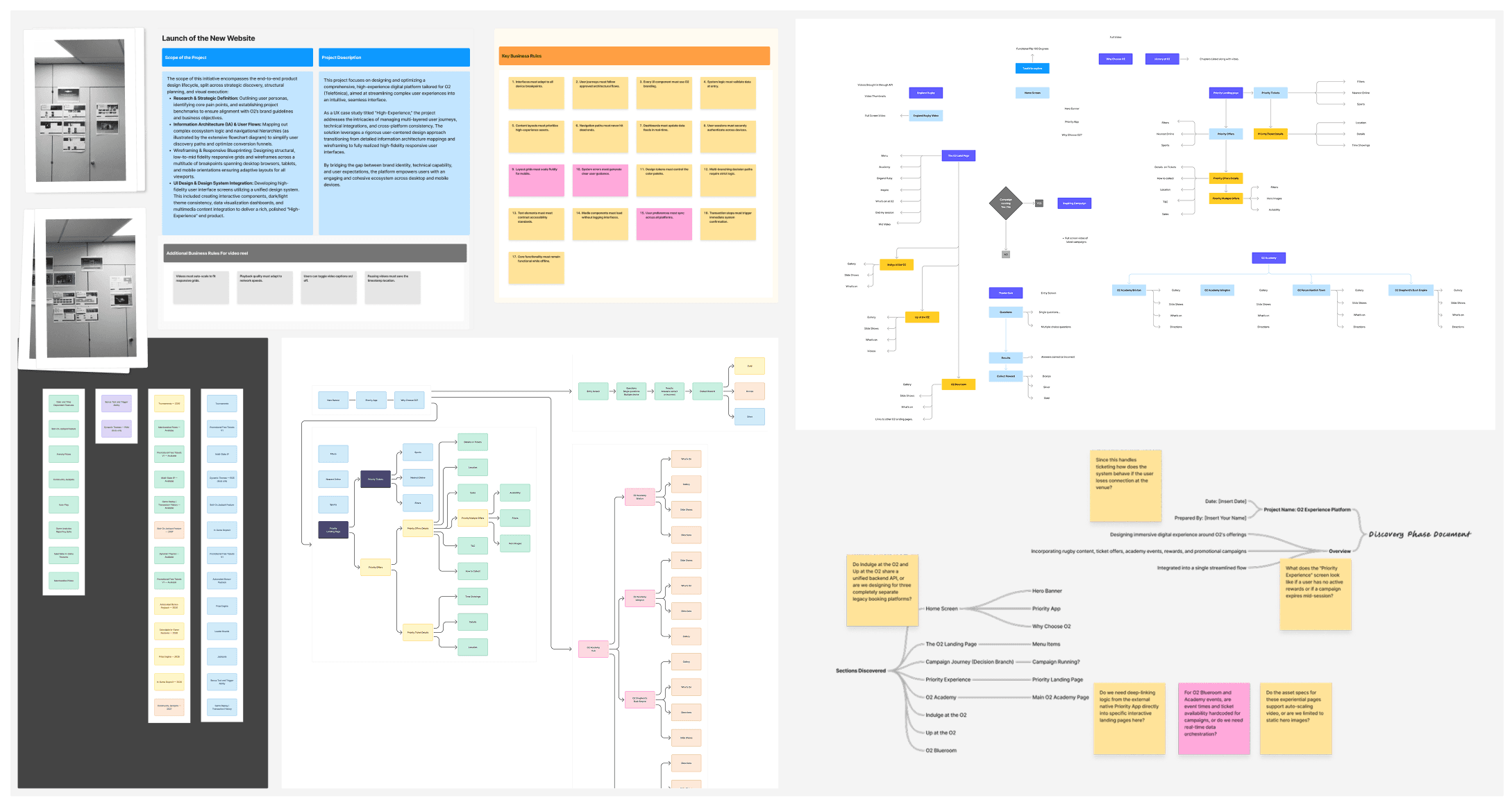
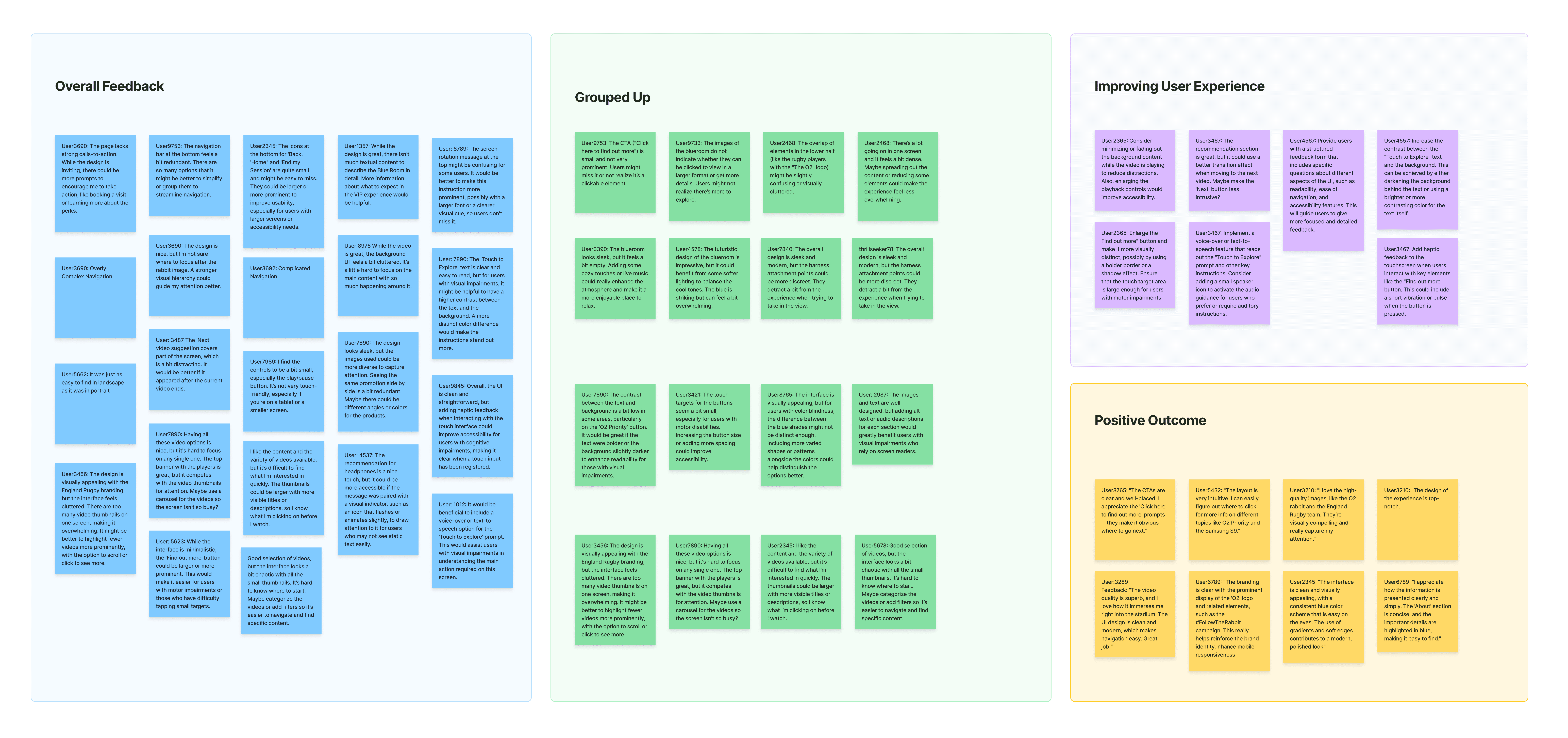
Friction Points: Identifying user pain points and data gaps early.
Information Architecture: Organizing complex requirements into clear, logical sitemaps.
Wireframe: Validating core structural layouts and navigation flow.
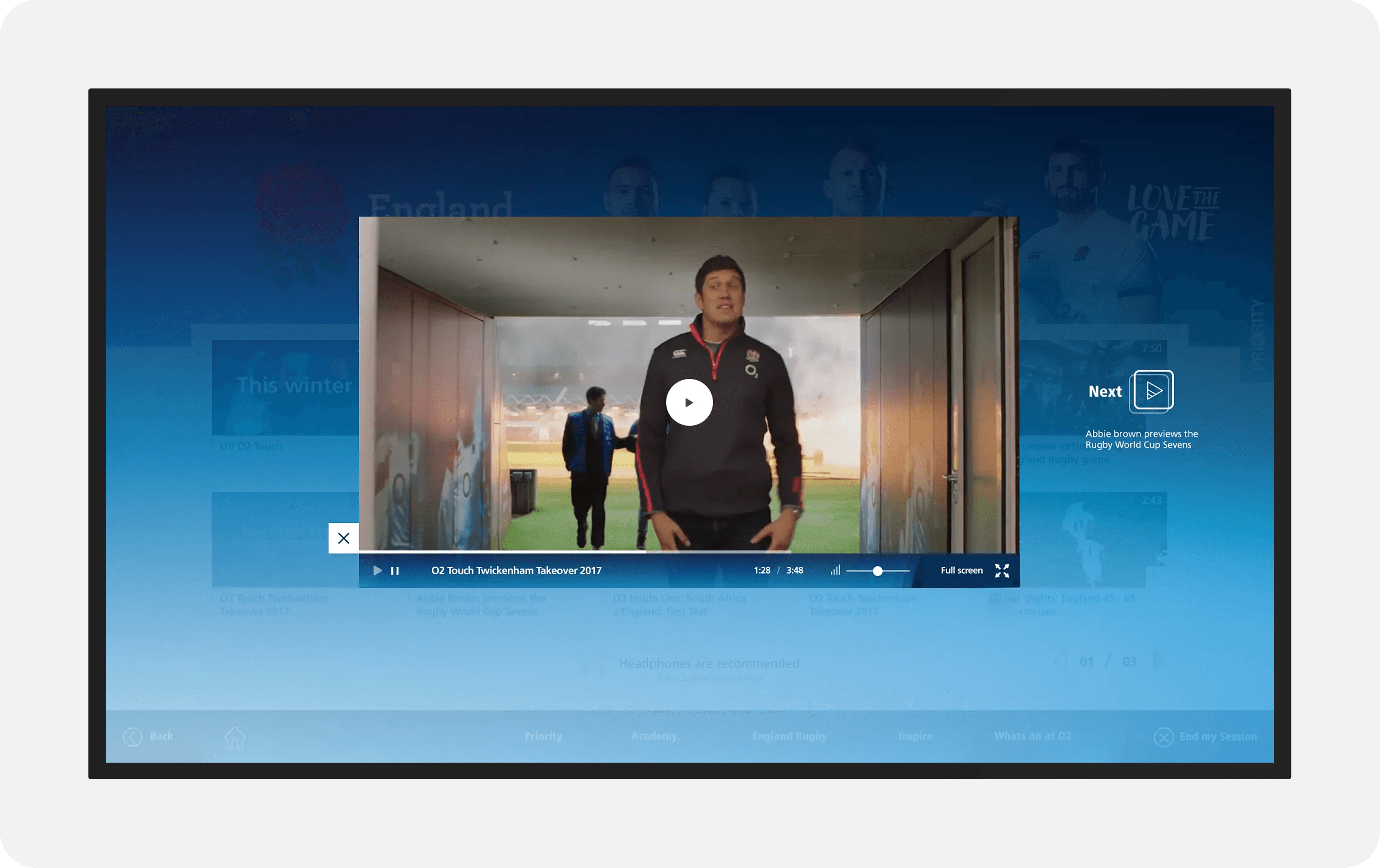
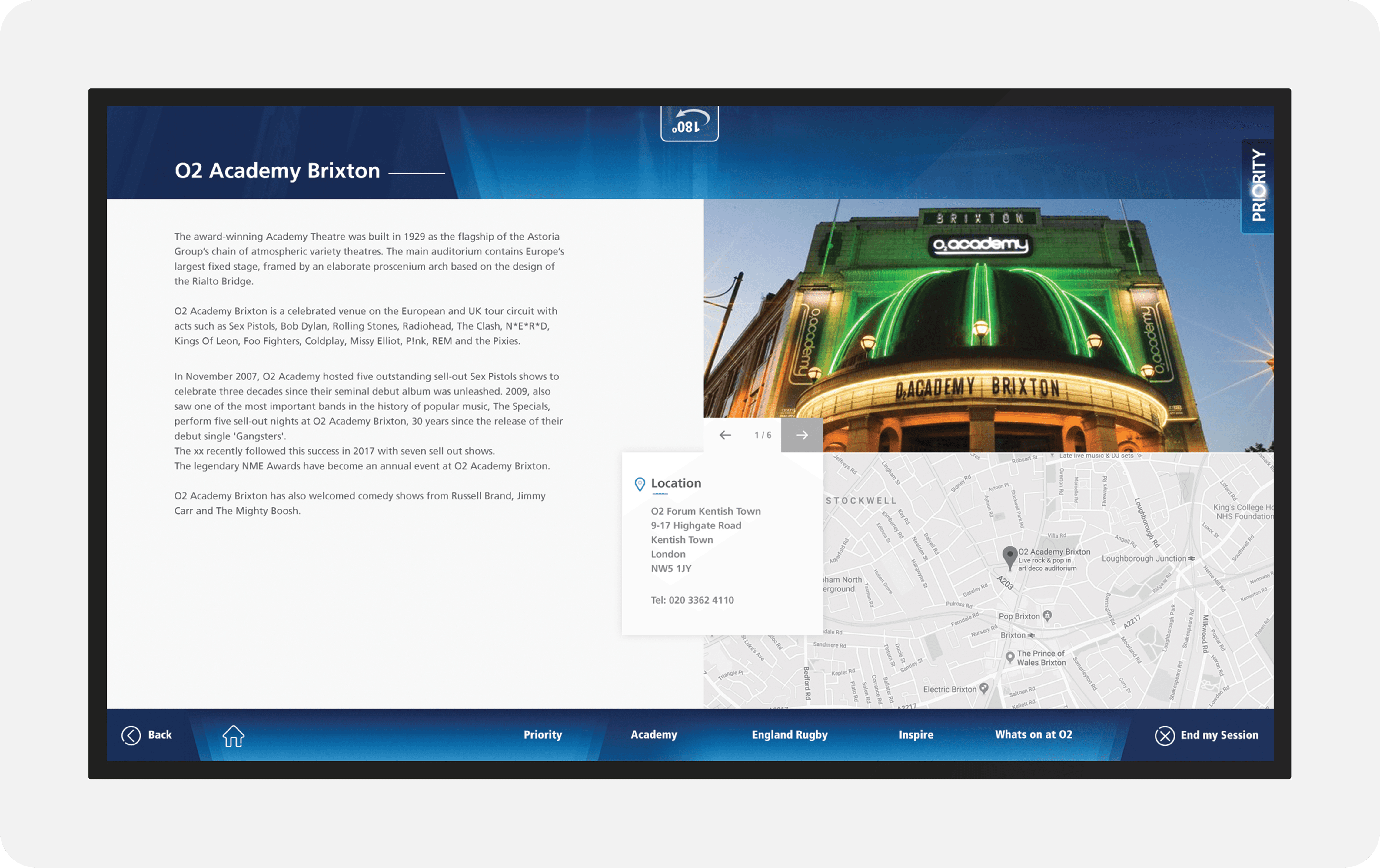
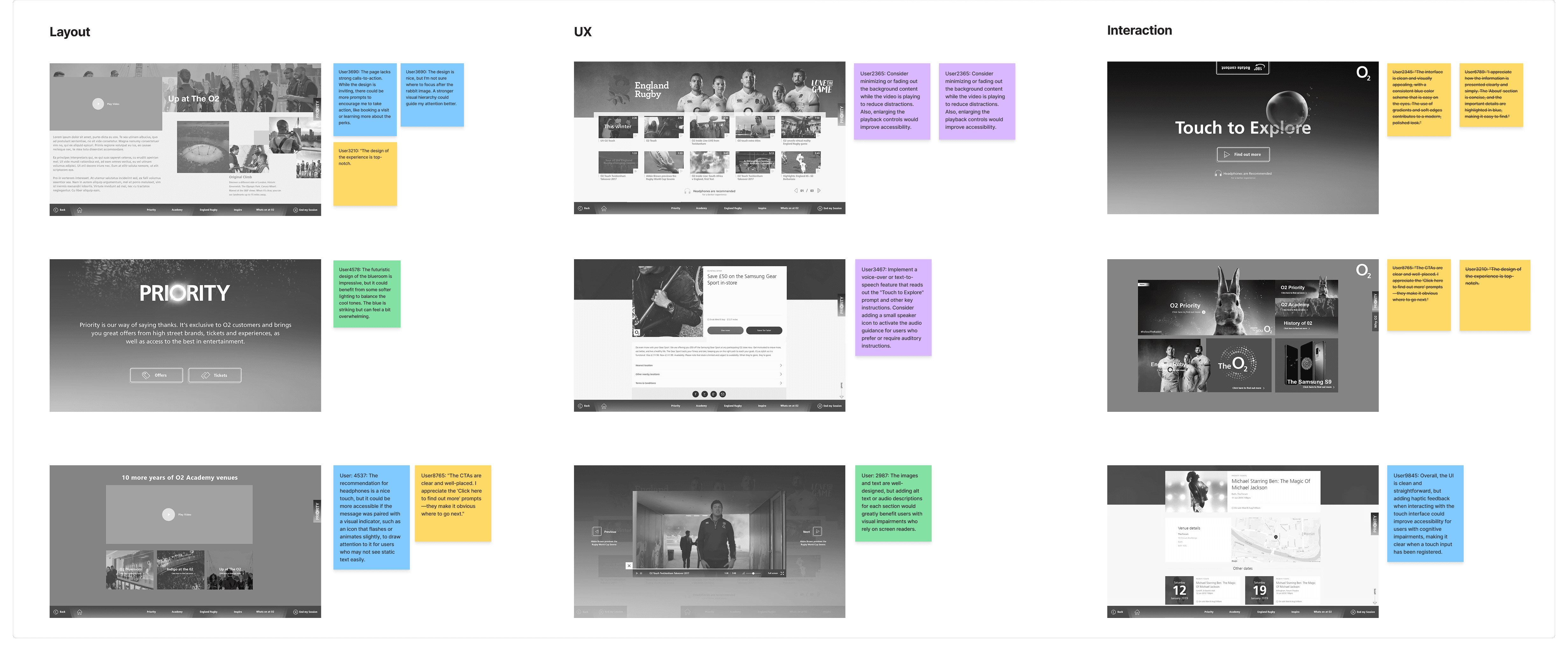
UI Mock-up: Evaluating visual design, interactivity, and final usability.
Friction Points: Identifying user pain points and data gaps early.
Information Architecture: Organizing complex requirements into clear, logical sitemaps.
Wireframe: Validating core structural layouts and navigation flow.
UI Mock-up: Evaluating visual design, interactivity, and final usability.
Friction Points: Identifying user pain points and data gaps early.
Information Architecture: Organizing complex requirements into clear, logical sitemaps.
Wireframe: Validating core structural layouts and navigation flow.
UI Mock-up: Evaluating visual design, interactivity, and final usability.
Friction Points: Identifying user pain points and data gaps early.
Information Architecture: Organizing complex requirements into clear, logical sitemaps.
Wireframe: Validating core structural layouts and navigation flow.
UI Mock-up: Evaluating visual design, interactivity, and final usability.
Prototyping & User Flow Validation
Prototyping & User Flow Validation
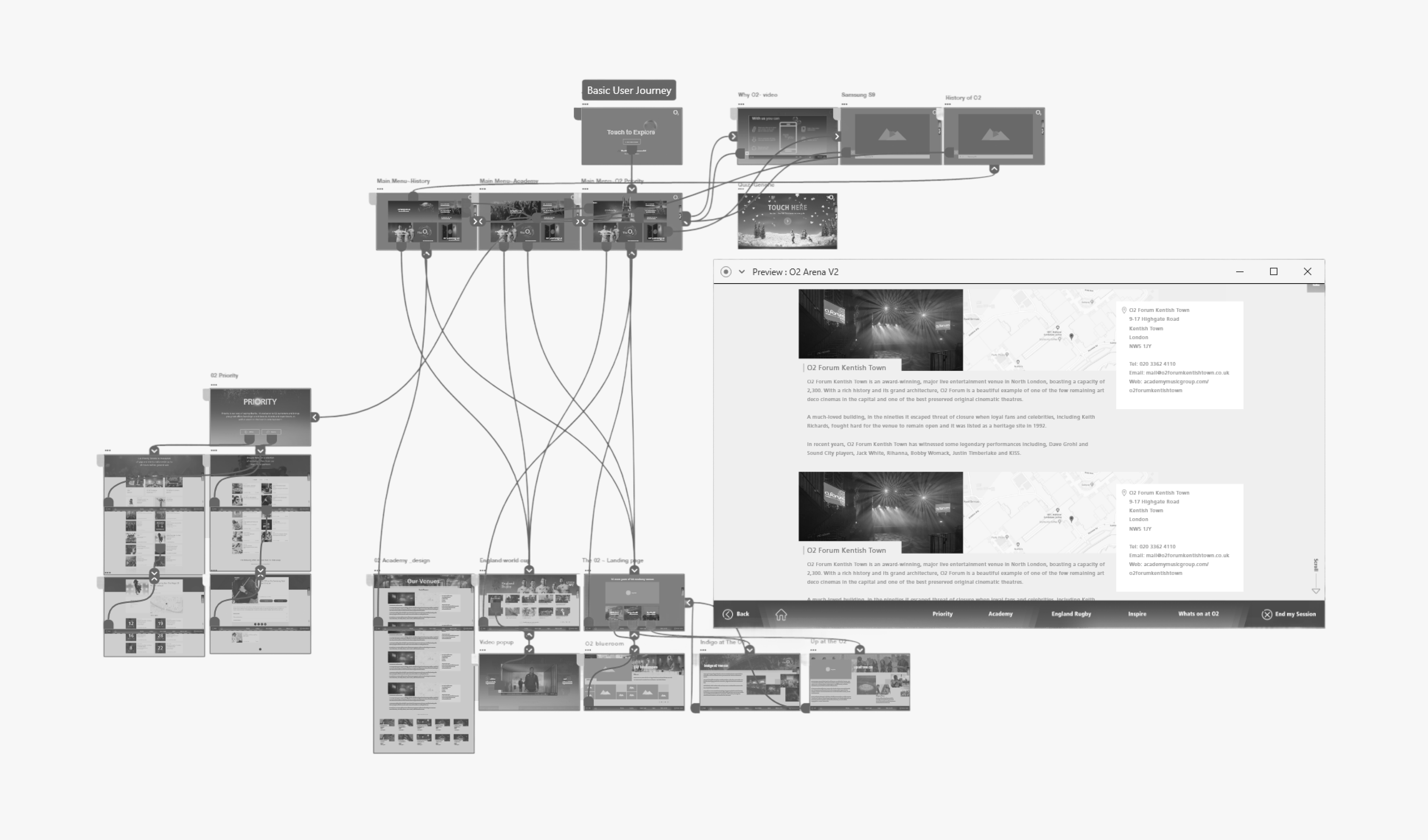
To bridge the gap between structure and high-fidelity, I built an interactive wireframe prototype to identify and resolve any core UX bottlenecks before applying the final brand layers.
To bridge the gap between structure and high-fidelity, I built an interactive wireframe prototype to identify and resolve any core UX bottlenecks before applying the final brand layers.
To bridge the gap between structure and high-fidelity, I built an interactive wireframe prototype to identify and resolve any core UX bottlenecks before applying the final brand layers.
UI Design Language
UI Design Language
UI Design Language
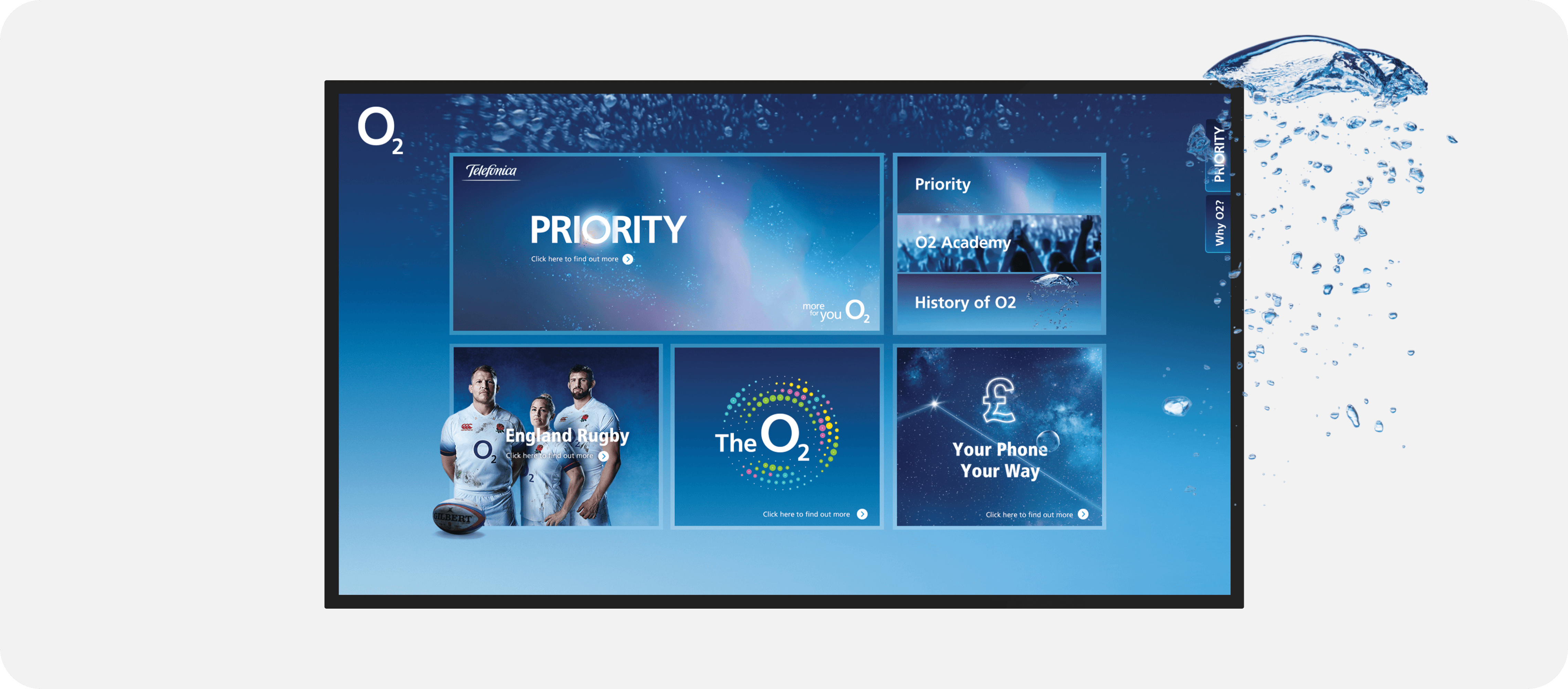
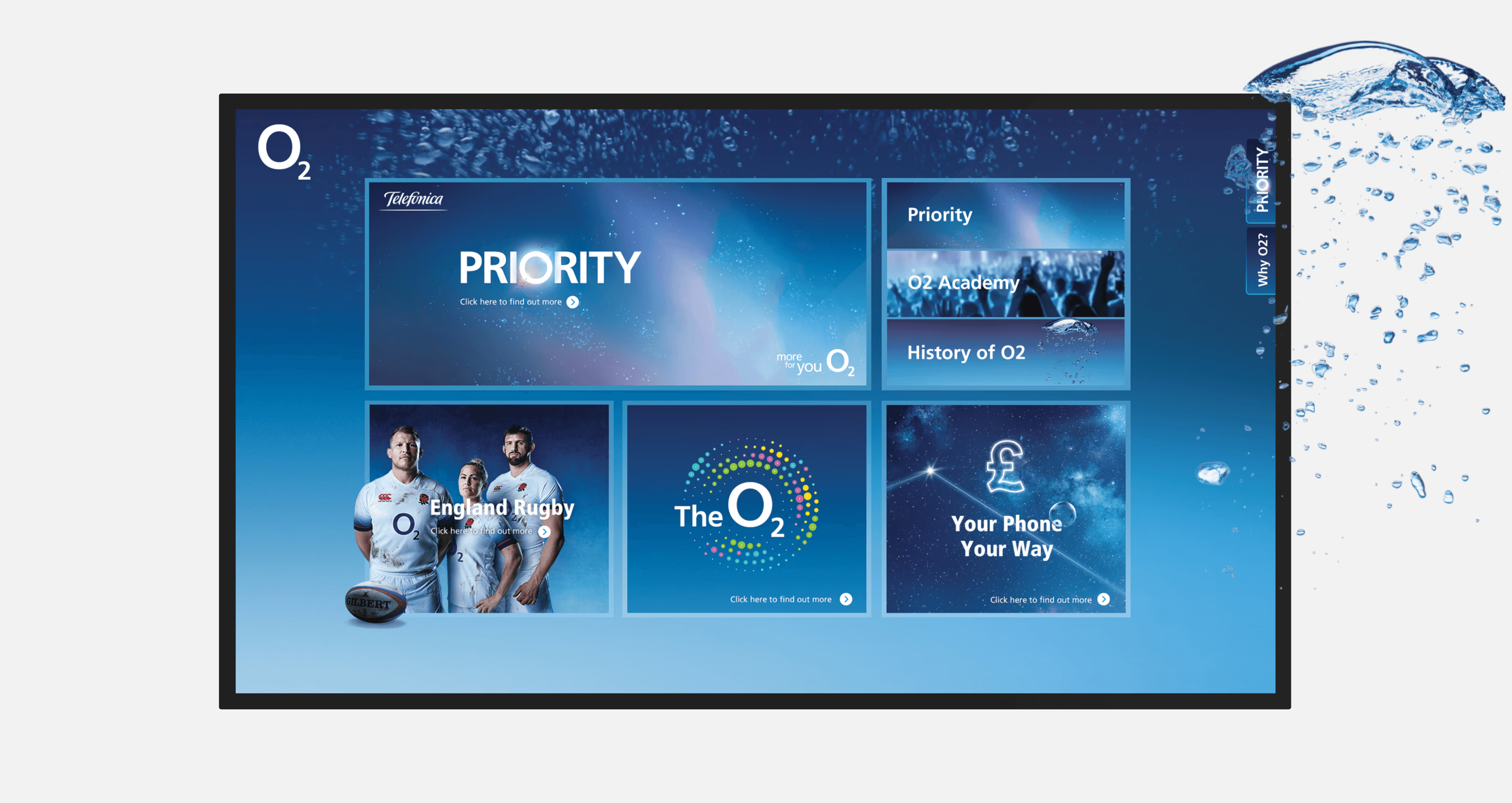
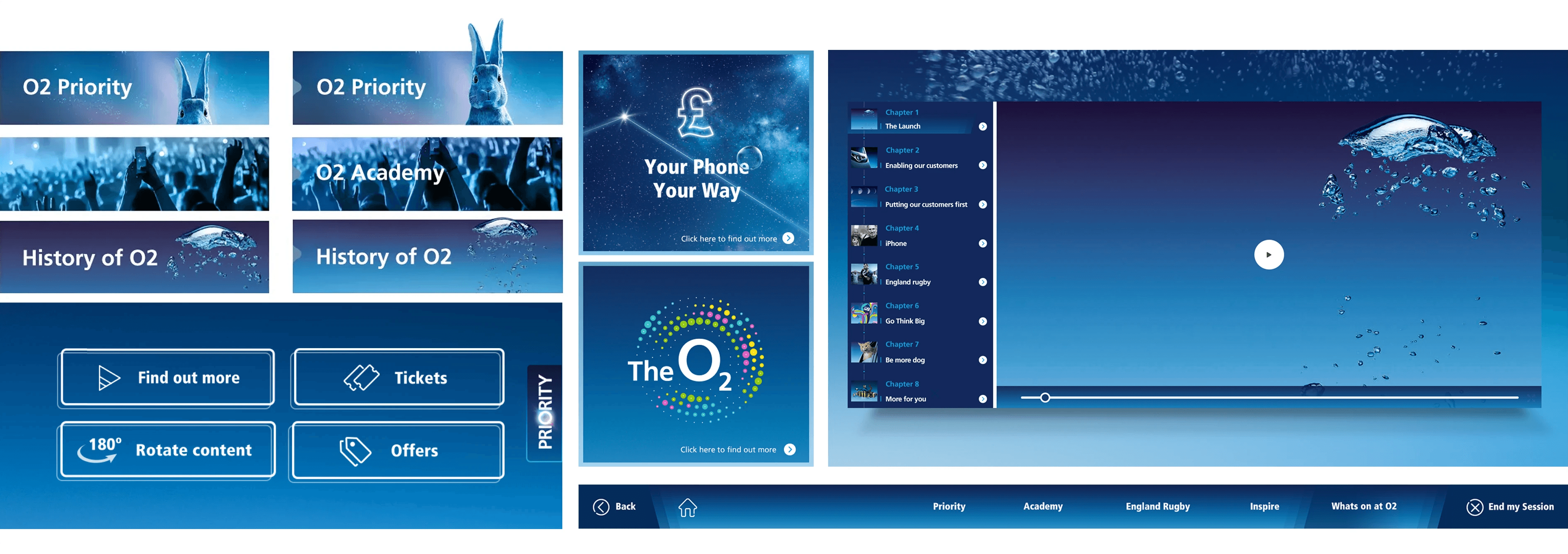
O2's brand assets ensured seamless integration into the user-friendly hub, with pre-supplied iconography and typography streamlining the design process.
O2's brand assets ensured seamless integration into the user-friendly hub, with pre-supplied iconography and typography streamlining the design process.
O2's brand assets ensured seamless integration into the user-friendly hub, with pre-supplied iconography and typography streamlining the design process.

Modular Component Design
Modular Component Design
High-Fidelity Solution
High-Fidelity Solution